Restaurant POS that speaks AI
AI-native · API-first · Zero recurring cost
Compatible with your favourite Agentic Harnesses
admin
John
super admin
Dashboard
Welcome back, John.
Dishes
24
Tables
12
Orders
8
Bookings
5
Most Popular Dishes
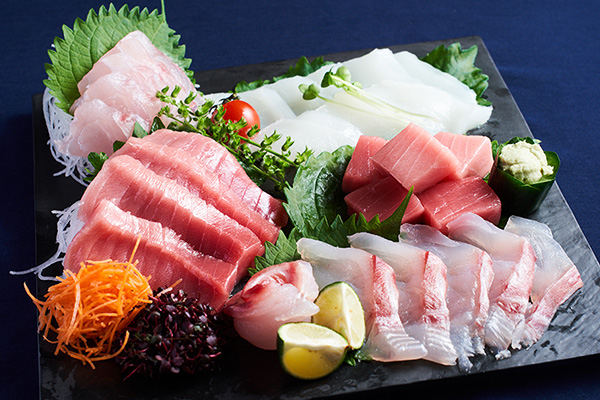
Sashimi Platter
刺身盛り合わせ · HKD 288

Yakitori
焼き鳥 · HKD 58

Ramen
ラーメン · HKD 88
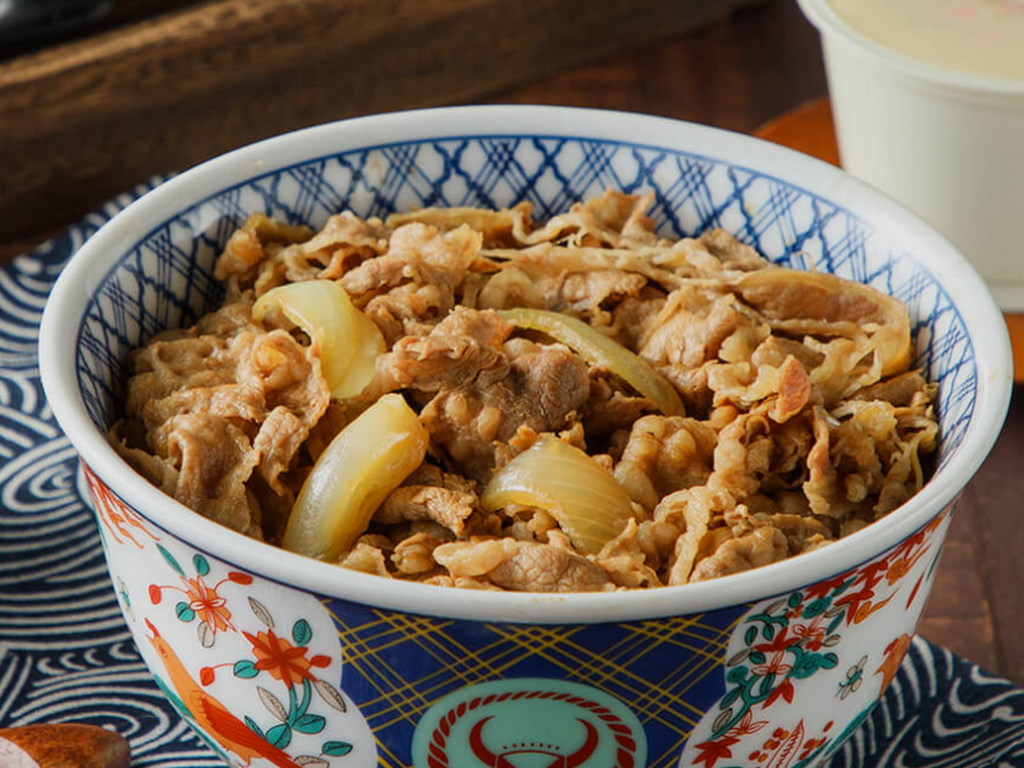
Gyu Don
牛丼 · HKD 88

Edamame
枝豆 · HKD 38
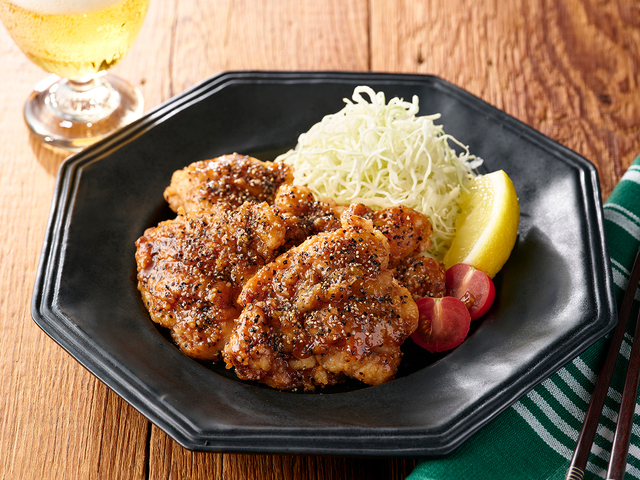
Karaage
唐揚げ · HKD 68

Katsu Don
勝つ丼 · HKD 98
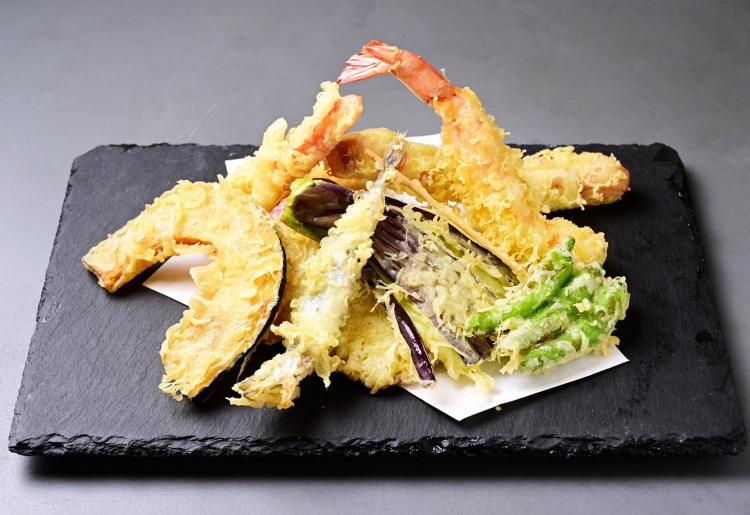
Tempura
天ぷら · HKD 128
Trusted by restaurants around the world
Run your entire POS through AI agents
This is what Zest is built for. Connect Claude, Codex, Hermes, or any agentic harness — then order, price, and report through natural language. No admin panels required.
Order through agents
Tell your AI agent what to place. It calls the REST API or CLI — table orders, takeaway, multi-round rounds. Kitchen sees it instantly.
Manage pricing through agents
Update dish prices, set lunch/dinner rates, or bulk-adjust the menu — all via conversation. No clicking through admin panels.
AI data entry & translation
Type a dish name in any language — AI fills names, descriptions, and categories across all three languages instantly. Works through the GUI, REST API, or CLI — no manual translation needed.
Sashimi Platter · HK$40,896 revenue
Reports through agents
Ask for sales summaries, top dishes, revenue by period, or table turnover. Your agent queries the API and returns answers in plain language.
Promotions through agents
Create coupons, award loyalty points, and launch combo deals by conversation. Your agent handles the math — discounts apply automatically at checkout.
Chat with your data
Ask about revenue, inventory, or menu performance. The agent executes tools and streams responses in real time.
Everything a modern restaurant needs
Nine reasons why Zest is the last POS you will ever install.
AI-Native Architecture
The first POS built for the agent era. CLI and REST API designed for LLM consumption.
Multilingual by Default
English, Traditional Chinese & any other language baked into every dish, description, and time slot.
Zero Recurring Cost
No SaaS fees. No per-terminal charges. No transaction percentages. Your data stays on your machine.
Real-Time Order Board
Kanban-style order management with live SSE updates. Kitchen sees orders instantly.
QR Table Ordering
Customers scan a QR, browse the multilingual menu, add rounds, view the bill. Dine-in and takeaway.
Extensible Plugin System
Extendable throughhooks. Install inventory, payments, promotions, reporting. Write your own with definePlugin().
Inventory TrackingPro
Track ingredients, recipes, suppliers, stock levels, and cost of goods sold. Auto-deduct on orders, low-stock alerts, and waste tracking.
Promotions & LoyaltyPro
Discount coupons, loyalty points, and promotional tools. Auto-apply at checkout, earn points per order, and launch combo deals.
Reporting & AnalyticsPro
Revenue analytics, menu performance, peak hours, and AI-powered insights. Export to CSV and chat with your data through agents.
Your POS, now programmable
Connect any AI agent and run your restaurant through conversation. No admin panels. No training. Just talk.
Connect
Point any AI agent at your API — Claude, Codex, Hermes, or a custom bot. One URL, one key, done.
Speak
Place orders, update pricing, pull sales reports, and manage your menu — all through natural language.
Execute
Kitchen prints. Dashboard updates. Reports generate. Everything syncs in real time — QR ordering, takeaway, reservations, all of it.
Zest vs Traditional POS
Your POS vendor charges you $200/month. We charge you nothing.
Monthly cost
Zest
$0Traditional POS
$50–$200/terminalTransaction fees
Zest
0%Traditional POS
2.5–3.5%AI/CLI support
Zest
Built-inTraditional POS
NoneMultilingual
Zest
NativeTraditional POS
Bolt-onReal-time updates
Zest
SSETraditional POS
DependsData ownership
Zest
Your serverTraditional POS
Their cloudAPI access
Zest
Full RESTTraditional POS
Limited/PaidAPI keys
Zest
Built-in (sk-* keys)Traditional POS
NonePlugin system
Zest
Native plugin architectureTraditional POS
NoneTime-based pricing
Zest
Built-inTraditional POS
Manual| Feature | Zest | Traditional POS |
|---|---|---|
| Monthly cost | $0 | $50–$200/terminal |
| Transaction fees | 0% | 2.5–3.5% |
| AI/CLI support | Built-in | None |
| Multilingual | Native | Bolt-on |
| Real-time updates | SSE | Depends |
| Data ownership | Your server | Their cloud |
| API access | Full REST | Limited/Paid |
| API keys | Built-in (sk-* keys) | None |
| Plugin system | Native plugin architecture | None |
| Time-based pricing | Built-in | Manual |
Built for agents, loved by developers
A CLI-first workflow that feels as fast as the kitchen needs it to be.
$ npx zest-cli menu --pretty

  ZEST — Menu

  Sashimi
    #1 鮭の刺身
       Salmon Sashimi
       三文魚刺身
       HK$88.00

    #2 マグロの刺身
       Tuna Sashimi
       金槍魚刺身
       HK$98.00

$ npx zest-cli order \
    --mode dine-in --table T01 \
    --items '[{"dish_id":1,"qty":2}]'

✓ Order #42 placed. 2x Salmon Sashimi for Table T01.
Copy-paste friendly. Pipe it into your own tools.
Boring stack, exciting results
Open source, offline-first, and designed to last.
| Layer | Technology |
|---|---|
| Framework | Next.js 16 + React 19 |
| Database | SQLite (WAL mode) |
| Styling | Tailwind CSS v4 + shadcn/ui |
| Auth | bcrypt + SHA-256 API keys |
| Printing | ESC/POS BLE thermal |
| AI | DeepSeek API (optional) |
| CLI | Commander.js + Axios |
Shipping now and what is next
We ship fast, in the open. Here is what is already real and what is cooking.
Built & Shipping
- Multilingual menu & admin dashboard
- QR table ordering (dine-in + takeaway)
- Real-time kanban order board
- USB & BLE thermal printing
- Time-based pricing
- Dish variants & options
- Reservation system with calendar & time slots
- AI-assisted menu entry
- Customer CLI
- 4 color theme system
- Full REST API (50+ endpoints)
- Inventory tracking (ingredients, recipes, suppliers, stock, COGS)
- Reporting & analytics with AI agent chat
- Multi-location support (tenant isolation)
- Promotions engine (coupons, loyalty points, combos)
- Plugin architecture (definePlugin, hooks, auto-migration)
- Dish image upload
Coming Soon
- Cloud database (Postgres multi-device sync)
- Payment processing (Stripe Terminal, Octopus)
- Receipt & invoice PDF generation
On the Roadmap
- Delivery platform integration
- Employee scheduling
Get started in one command
Self-host in minutes. No sales call required.
curl -fsSL https://zestai.secretbase.dev/install.sh | bash